Setup: Running the Examples
What you need to run the code in this blog
Why this post?
All examples on this site are small experiments in:
- algorithms
- cellular automata
- fractals
- emergent systems
To follow along, you only need a minimal Python setup — Python itself plus two libraries: NumPy for array math and Matplotlib for drawing the results.
1. Install Python
Download Python (3.10 or newer):
https://www.python.org/downloads/
Verify the installation:
python --versionYou should see something like Python 3.12.2.
2. Install NumPy and Matplotlib
These are the only two libraries used in most posts here:
- NumPy — fast arrays, the natural way to represent grids and cells.
- Matplotlib — quick, no-fuss plotting and image display.
Install both with pip:
pip install numpy matplotlibIf you prefer an isolated environment (recommended), create a virtual environment first:
python -m venv .venv
# Windows
.venv\Scripts\activate
# macOS / Linux
source .venv/bin/activate

pip install numpy matplotlib
3. Test that everything works
Save the following as test_setup.py and run it:
import numpy as np
import matplotlib.pyplot as plt

grid = np.random.randint(0, 2, (100, 100))

plt.imshow(grid, cmap="binary")
plt.axis("off")
plt.show()
Run it:
python test_setup.pyA window should pop up showing a 100×100 grid of random black-and-white pixels — pure noise — that looks roughly like this:
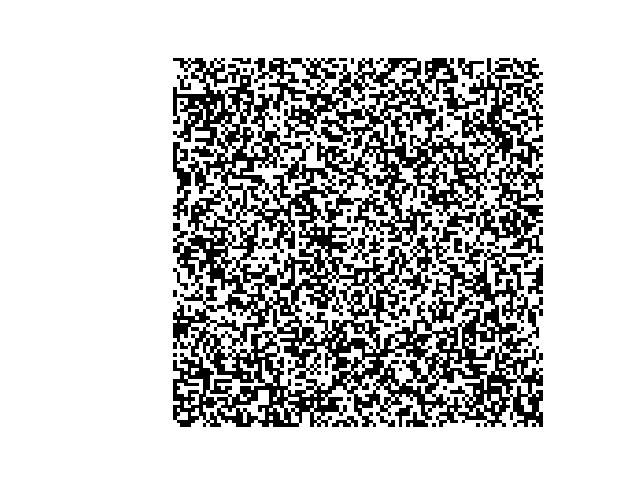
If you see something similar, your setup is ready.
That’s it
You now have everything you need:
- Python to run the code
- NumPy to hold the grid
- Matplotlib to look at it
The next posts will start using this setup to build small worlds — one rule at a time.